
Today, WordPress has grown to be the most popular content management system. It has been used to build and manage websites and blogs. Beginners can start with WordPress. It is the best blogging platform and website creation tool.
To help you out, we’ve compiled a list of the seven best WordPress hosting providers. Each provider offers something unique, from reliable shared hosting to powerful managed WordPress hosting.
So regardless of your website’s size or the goals you have for it, you’ll find a provider that can meet your needs. In this blog post, we’ll take an in-depth look at the seven best WordPress hosting services and explore why each could be the perfect fit for your website.
| Hosting Services | Best | Free Plan | Cheapest plan (monthly plans) | Rating from users (G2/, Capterra) |
| Kinsta | Managed WordPress Hosting Service | No | $35 per month | G2: 4.8/4.5 Capterra: 4.9/5.0 |
| SiteGround | Hosting and outstanding support | No | $3.99 per month | G2: 4.1/5.0 Capterra: 4.6/5.0 |
| Bluehost | Leading web hosting solutions company | No | $2.95 per month | G2: 3.6/5.0 Capterra: 4.2/5.0 |
| Hostgator | Website builder for bloggers and small businesses | No | $2.75 per month | G2: 3.6/5.0 Capterra: 3.9/5.0 |
| Hostinger | Shared hosting providers | No | $1.99 per month | G2: 4.1/5.0 Capterra: 4.6/5.0 |
| WP Engine | Reliable WordPress hosting | No | $20 per month | G2: 4.6/4.5 Capterra: 5.0/5.0 |
| GoDaddy | Domain provider and web host | No | $8.99 per month | G2: 4.2/5.0 Capterra: 4.2/5.0 |
Kinsta
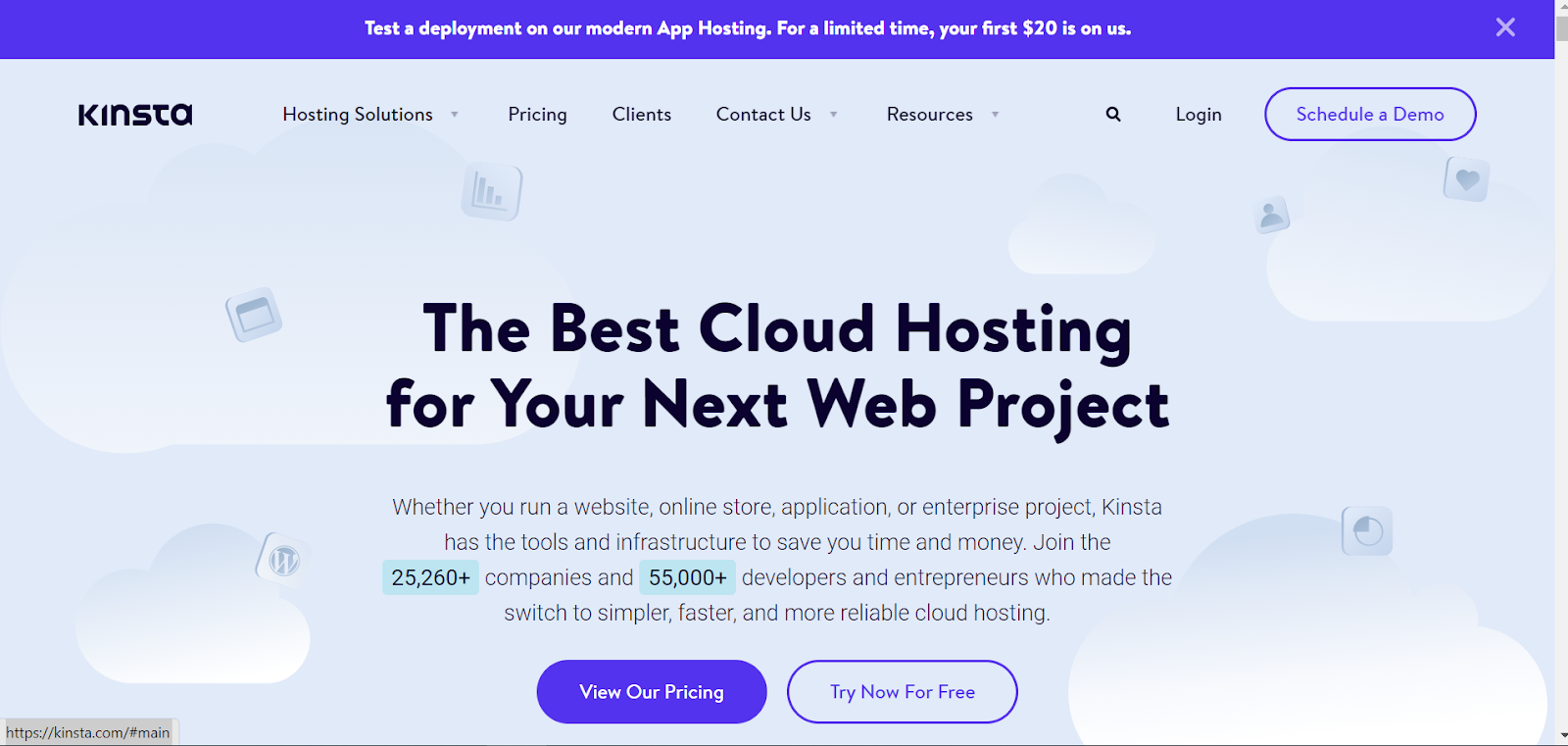
Kinsta is a managed WordPress hosting service designed for high-performance websites. It is powered by the Google Cloud Platform and provides a secure and reliable platform for hosting WordPress sites. Kinsta offers a range of features, including automated backups, PHP 7 support, and a custom caching system designed to improve website performance.
Features
- Built-In Application Performance Monitoring
- Global Content Delivery Network
- Highest-End CPUs and Global Availability
- Enterprise Clients
- Ecommerce sites
- Time-Saving Site Tools
- Consistently High Rating
- Multilingual Support
- Troubleshooting With Analytics
- Collaborate With Unlimited Users
- Proactive Security
- High Performance
- Easy Scalability
- Customer 24/7 Support
- Staging Environment
- Custom Dashboard
Pros
- Kinsta is blazing fast and perfect for high-traffic websites: the web hosting service that is designed to be fast. This makes it a good choice for sites that get a lot of traffic. This can be achieved through various techniques, such as using high-performance servers, caching, and minifying resources.
- They have 24/7 expert support available: offers 24/7 expert support, which means that customers can contact customer support at any time of the day and receive assistance from a team of experts.
- Their plans include free SSL and CDN: Kinsta’s plans include free SSL (Secure Socket Layer) and CDN (Content Delivery Network) services. SSL is a security protocol that encrypts data transmitted between a website and its visitors, while a CDN is a network of servers that distribute content to users based on their geographic location. This can help to improve the website’s load times and security.
Cons
- Expensive: Kinsta Packages are expensive, with the hosting plan starting at $35/month.
Pricing
- Starter: 1 WordPress install for $35 per month
- Pro: 2 WordPress installs for $70 per month
- Business 1: 5 WordPress installs for $115 per month
- Business 2: 10 WordPress installs for $225 per month
- Business 3: 20 WordPress installs for $340 per month
- Business 4: 40 WordPress installs for $450 per month
- Enterprise 1: 60 WordPress installs for $645 per month
- Enterprise 2: 80 WordPress installs for $1000 per month
- Enterprise 3: 120 WordPress installs for $1350 per month
- Enterprise 4: 150 WordPress installs for $1650 per month
- You can also contact sales to get a custom price quote
Bluehost
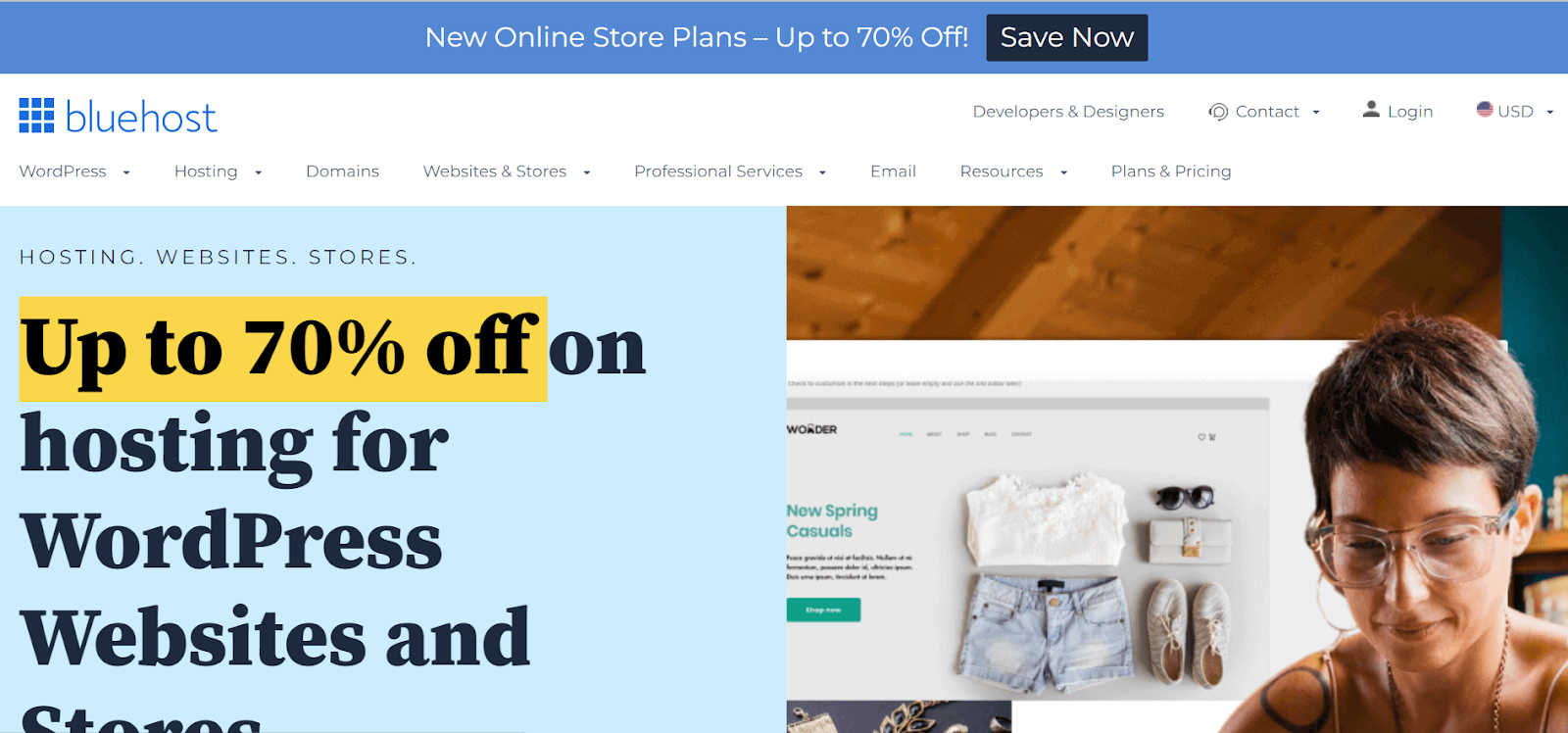
Endurance International Group is the owner of the web hosting business Bluehost. It ranks among the top 20 web hosts and hosts over 2 million domains alongside its sister firms, FastDomain, iPage, and Hostmonster. Bluehost offers shared VPS, cloud, and dedicated hosting plans and domain registration services.
Features
- Google Ad Services
- Search Engine Optimization
- Google My Business
- Professional Email
- Shared Hosting
- Powerful Security
- Reliable Uptime
- Easy-to-Use Control Panel
- Unbeatable Customer Service
- Flexible Plans and Pricing
- Free Domain Name
- Free Website Builder
- Money-Back Guarantee
Pros
- Fast, reliable, and secure hosting: provides fast, reliable and secure hosting for websites. This means that your website will have minimal downtime and will be protected against security threats like hacking and malware.
- User-friendly cPanel with easy access to all features: offers a user-friendly cPanel, which is a web-based control panel that allows you to easily manage your website’s features. The cPanel provides easy access to all the features you need to manage your website such as email accounts, databases, and files.
- Unmetered storage and bandwidth: which means that you can store an unlimited amount of data and your website can handle an unlimited amount of traffic without additional charges.
- FREE domain name registration for the first year: provides a free domain name registration for the first year of hosting, which means that you can register a domain name for your website without any additional costs.
- 24/7 customer support via phone, chat, and email: Bluehost offers 24/7 customer support via phone, chat, and email, which means that you can contact customer support at any time of the day and receive assistance. This can help you quickly resolve any issues you may encounter with your website.
Cons
- No monthly payment: A major downside to Bluehost is the fact that it does not offer a monthly payment option.
Pricing
- Basic: 1 Blog or Site for $2.95 per month
- Plus: Unlimited Websites for $5.45 per month with 20 GB SSD Storage, Free SSL, Malware Scanning and Yoast SEO free)
- Choice Plus: Unlimited Websites for $5.45 per month with 40 GB SSD Storage, Free SSL, Daily Website Back Up for first Year, Domain Privacy, Malware Scanning and Yoast SEO free)
- Online Store: Unlimited Websites for $9.95 per month
- You can also contact Bluehost sales to get a custom price quote
SiteGround
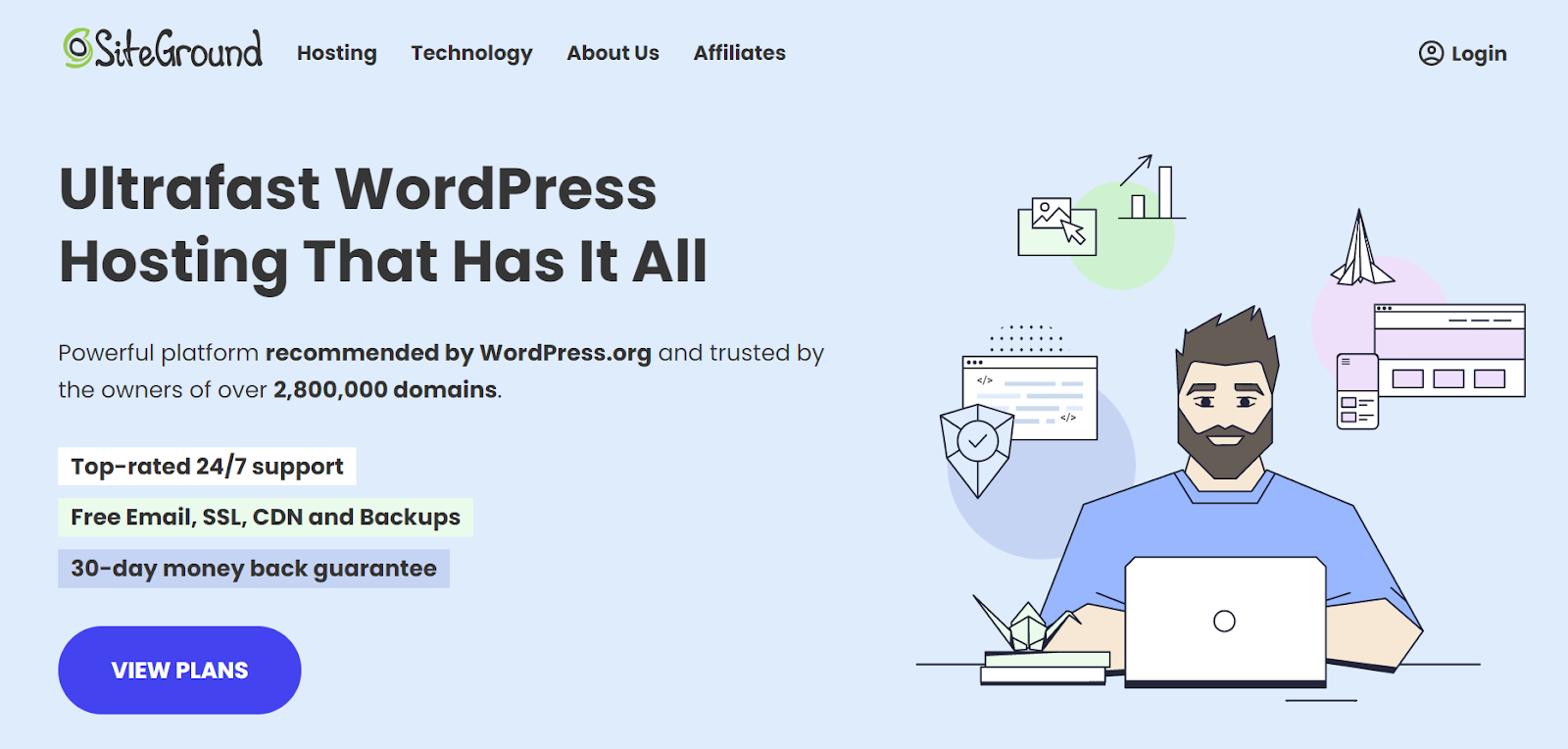
SiteGround is a web hosting company that provides shared hosting, cloud hosting, dedicated servers, and reseller hosting services. It also provides domain registration, SSL certificates, and other web hosting services.
SiteGround is known for its reliable and fast services, with a 99.99% uptime guarantee and 24/7 customer support.
Features
- High-Performance Servers
- Free CDN and SSL
- Automated Backups
- 24/7 Support
- Security Measures
- Easy-to-Use Control Panel
- Free Migration
- Expert WordPress Support
Pros
Easy-to-use Control Panel: It offers a user-friendly control panel that makes it easy for customers to manage their hosting account and website. The control panel usually has tools for managing databases, email accounts, and other parts of the hosting service.
Free Site Transfers: which means that they will assist in transferring your website from your current hosting provider to SiteGround at no extra cost. This is useful if you wish to change hosting providers or if you have multiple websites and wish to consolidate them into one account.
Fast, Reliable, and Secure Hosting: fast loading times are important for user experience and search engine ranking. Reliability means that your website will be up and running with minimal downtime. Security is important to protect your website and your visitors’ data from malicious attacks.
One-click installer for WordPress and Joomla: SiteGround offers a one-click installer for WordPress and Joomla, which makes it easy to install and set up those popular content management systems (CMS) on your website. This lets you set up a website quickly without having to upload files and create databases by hand.
Free Daily Backups: It automatically creates backups of your website’s files and databases every day and stores it for 30 days. This enables you to restore your website in the event of data loss or if you need to undo changes you made. If you back up your website every day, you’ll be able to fix it quickly and easily, so you won’t lose any data or work.
Cons
- Low server response times: SiteGround’s server response times may be slower compared to other hosting providers. This means that it may take longer for your website to load for visitors, which can affect the user experience and search engine rankings.
- No root access on shared hosting plans: It does not provide root access on shared hosting plans. Root access is a type of access that allows users to have full control over the server and the ability to install custom software and make advanced configurations. This can be a limitation for developers and advanced users who need more control over their hosting environment.
Pricing
- StartUp: 1 WordPress Site for $3.99 per month
- GrowBig: offers unlimited WordPress sites for $6.69 per month with staging, 30% faster PHP, and on-demand backup copies.
- GoGeek: offers unlimited WordPress sites with the highest tier of resources, priority support, 30% faster PHP, staging + git, white label clients, free private DNS, and on-demand backup copies for $10.69 per month.
HostGator
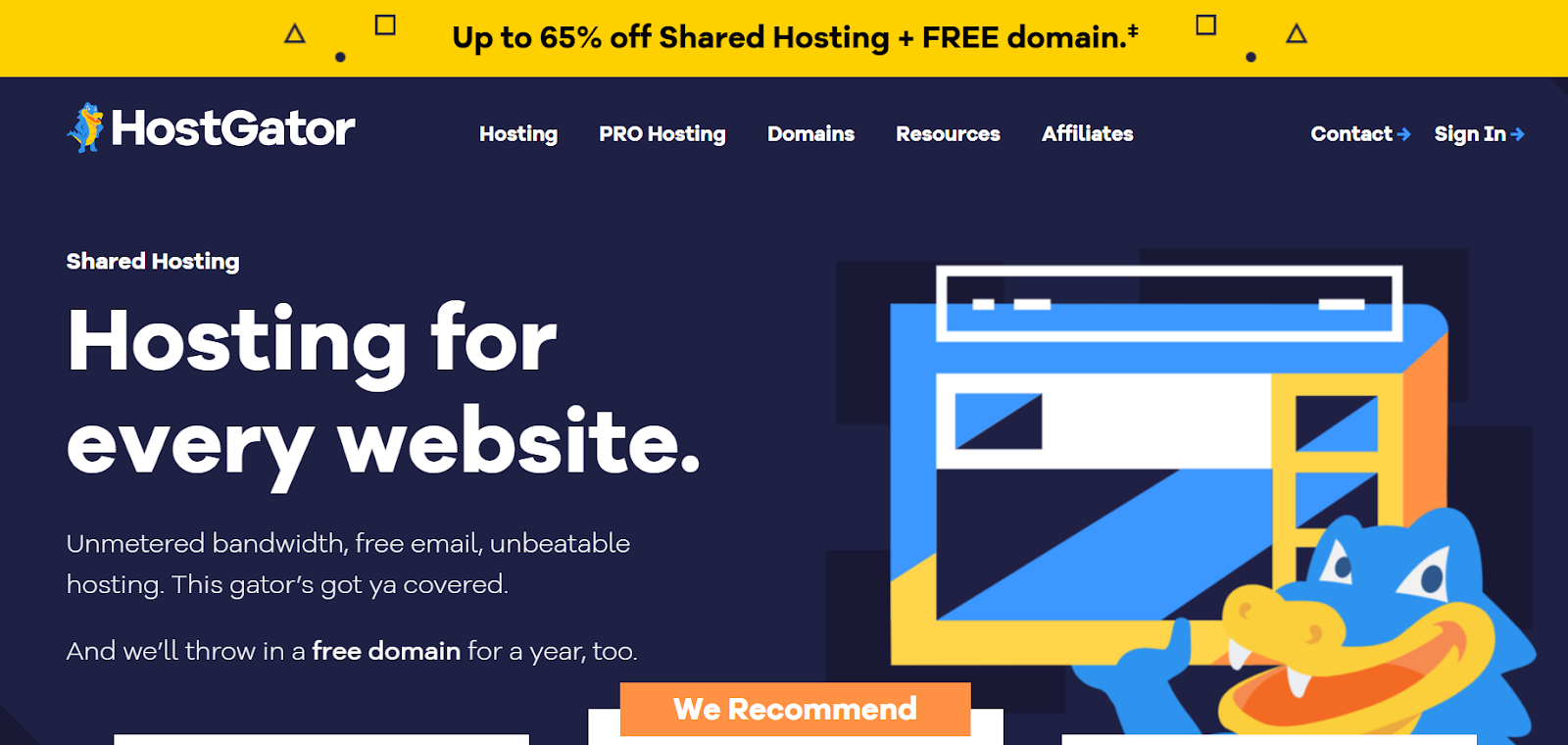
HostGator is a web hosting company that provides various services such as shared hosting, reseller hosting, VPS hosting, cloud hosting, dedicated servers, and domain registration. HostGator offers a variety of features, such as unlimited disk space, unlimited bandwidth, and a range of easy-to-use site-building tools.
Features
- eCommerce Tools
- $150 Google Ads
- cPanel access
- Professional email & more
- Automated backups
- SEO Tools
- Unlimited MySQL Databases
- Subversion Repository (SVN)
- Server Side Includes (SSI)
- Support for PHP 7.1, 7.2 and 7.3
- HostGator Portal Control Panel
- Full Unix Shell
- Access to Raw Log Files
- Crontab Access
- Full CGI Access
- Canned CGI Scripts
- Reseller & Sub Accounts
- Secure Shell (SSH) Access
- IPv6 Support
- Rails, Python, Perl Support
Pros
- Affordable pricing: It offers affordable pricing on their hosting plans, which makes it a good option for users on a budget. They offer different pricing levels and plans that can be tailored to meet different needs and budgets.
- Wide variety of plans to choose from: provides a wide range of plans to choose from, including shared hosting, VPS hosting, cloud hosting, and dedicated hosting. This allows customers to choose the plan that best suits their needs and budget.
- Excellent customer service: HostGator is known for providing excellent customer service. They offer 24/7 customer support via phone, email, and live chat, and have a team of experts available to help with any issues or questions that may arise.
- Free website builder and templates: It offers a free website builder and templates, which can be useful for users who want to create a website quickly and easily without having to design it from scratch. The website builder comes with drag and drop features, so you don’t need any technical skills to use it.
- 30-day money-back guarantee: It provides a 30-day money-back guarantee, which allows customers to try their services and get a refund if they are not satisfied. This gives users the peace of mind that they can test the service before committing to a long-term plan.
Cons
- Low server response times: HostGator’s server response times may be slower compared to other hosting providers. This means that it may take longer for your website to load for visitors, which can affect the user experience and search engine rankings.
- No free Daily Backups: does not offer free daily backups, which can be a drawback for users who want to ensure that their website data is regularly backed up. Without daily backups, users will have to manually backup their website, which can be a time-consuming task, or pay an additional fee for daily backups.
Pricing
- Hatchling: Single Website for $2.75 per month
- Baby: Unlimited Website for $3.38 per month
- Business: Unlimited Website for $5.08 per month
Hostinger
Hostinger is a web service that provides various hosting plans, including shared web hosting, VPS hosting, and dedicated servers. Hostinger offers a range of features and services, such as domain registration, website builders, email services, and more.
Hostinger’s primary focus is on providing reliable, affordable, and user-friendly web hosting solutions to businesses and individuals.
Features
- Unlimited SSL security certificates
- Automatic backups.
- 99.9% uptime guarantee.
- Unlimited Bandwidth
- Fast and Reliable Servers
- Free SSL Certificate
- Easy to use Control Panel
- Fast and Reliable Servers
- Uptime Guarantee
- Scalability
Pros
- An easy-to-use interface: It has an easy-to-use interface that makes it simple for customers to manage their hosting account and website. The interface typically includes tools for managing email accounts, databases, and other aspects of the hosting service.
- Hostinger has a wide variety of templates to choose from: Hostinger offers a wide variety of templates that customers can choose from to design their websites. These templates are pre-designed and can be easily customized to suit the customer’s needs. This makes it easy for users to create a website without needing to design it from scratch.
- Website Protection: Protect your website from DDoS attacks with Cloudflare protected nameservers.
- Unlimited Bandwidth: Hostinger provides unlimited bandwidth, allowing you to transfer unlimited data without worrying about slow speeds or excess charges.
- Free SSL certificate: All hosting plans come with a free SSL certificate for encrypting data, ensuring your site is secure and safe from malicious attacks.
Cons
- No free domain: Hostinger does not offer free domains when signing up for a hosting plan.
Pricing
- Single: 1 Website for $1.99 per month
- Starter: 100 Websites for $2.99 per month
- Business: 100 Websites for $3.99 per month
- Pro: 300 Websites for $11.59 per month
WP engine
WP Engine is a WordPress hosting provider that provides managed hosting services for websites and applications built on the WordPress platform.
WP Engine offers a range of hosting services, including shared, managed, and dedicated hosting, as well as a range of premium add-ons, such as advanced security, caching, and staging environments. WP Engine also provides extensive tools for monitoring, managing, and optimizing WordPress sites.
Features
- High-Performance Technology
- Advanced Security
- Professional Support
- Easy Management
- Developer Friendly
- Automated Migration
- Dedicated Hosting
- Global CDN
Pros
- High-performance server with automated caching and scaling: WP Engine provides high-performance servers optimized for WordPress websites, with an automated caching and scaling system to handle high traffic and maintain good performance during peak times, improving user experience and search engine rankings.
- Comprehensive security and malware scanning: offers comprehensive security features that help to protect your website from malware, hacking, and other security threats.
- Professional-level support and managed WordPress hosting: handles the technical aspects of running and maintaining your website, such as server management, software updates, and backups, so that you can focus on creating and managing content.
- Easy to use interface: Easy-to-use interface with a wide selection of WordPress themes and plugins
- Staging Environment: Offers a staging environment as well as a production environment for testing
Cons
- More expensive than other WordPress hosting solutions: WP Engine is considered to be more expensive than other WordPress hosting solutions. This could be a drawback for users who are looking for a more cost-effective option or for small websites that do not require the advanced features and services offered by WP Engine.
Pricing
- StartUp: 1 Website for $20 per month
- Professional: 3 Websites for $50 per month
- Advanced Options: Contact sales to get a quote
GoDaddy

GoDaddy Hosting is a web hosting service offered by GoDaddy, the world’s largest technology provider dedicated to small businesses. GoDaddy Hosting provides reliable, secure, and affordable hosting solutions for websites of all sizes.
With features like unlimited storage, unmetered bandwidth, and a 99.9% uptime guarantee, GoDaddy Hosting makes it easy to get your website up and to run quickly. They also offer various add-on services, such as SSL certificates, domain privacy protection, and website security.
Features
- 24-Hour Malware Scans and Removal
- Built-in Speed and Performance
- Managed and Automated Tasks
- Integrated Site Optimization Tools
- Daily Backups With 1-Click Restore
- Migrate Your Existing Site
Pros
- User Friendly Control Panel: GoDaddy offers a user-friendly control panel that makes managing your hosting account and website simple and straightforward.
- Reliable uptime and fast page loading times: It offers reliable uptime and fast page loading times for websites, which are crucial for user experience and search engine rankings.
- Great customer service: known for providing great customer service. They offer 24/7 customer support via phone, email, and live chat, and have a team of experts available to help with any issues or questions that may arise.
- Staging site and developer access: It offers a staging site and developer access, which allows developers to create a separate version of their website for testing and development purposes. This can be useful for making changes to a website without affecting the live version.
- CDN Boost for faster load times of up to 50%: It offers a CDN Boost feature that can speed up load times of your website by up to 50%.
Cons
- GoDaddy Economy plan does not offer unlimited website access: The GoDaddy Economy plan does not offer unlimited website access, which means that users are restricted to hosting only one website per account.
Pricing
- Basic: 1 Website for $8.99 per month (10% savings on annual term)
- Deluxe: 1 Website for $11.99 per month (20% savings on annual term)
- Ultimate: 1 Website for $18.99 per month (5% savings on annual term)
- Ecommerce: 1 Website for $20.99 per month (16% savings on annual term)
Methodology for Choosing Best WordPress Hosting Website
Studying is necessary in order to select the best WordPress hosting site, but don’t worry! There are some key factors that we can consider to help us make an informed decision. Let share with you a methodology that you can follow to find the best WordPress hosting website for your specific needs.
Research Hosting Providers: Research different hosting providers that offer WordPress hosting services. You can use online resources like review websites, forums, and social media to find reliable hosting providers.
Check for Performance and Uptime: Look for hosting providers that offer fast server speed and high uptime percentages. Check reviews and performance benchmarks to get an idea of how well each hosting provider performs.
Consider Security Features: Look for hosting providers that offer security features like SSL certificates, regular backups, and malware scanning.
Check for Scalability: Look for a hosting provider that allows you to scale up as your website grows, with options for upgrading to higher plans or adding more resources as needed.
What to Look For in Choosing a Best WordPress Hosting Website
Choosing the right WordPress hosting website is crucial for the success of your website. Here are some factors to consider when selecting the best WordPress hosting website:
- Compare speed and performance
- Compare security features
- Compare reputation and customer reviews
- Compare pricing and features
- Compare WordPress installation and management
Best for Speed and Performance
Here’s a comparison of the best WordPress hosting providers in terms of speed and performance among the best wordpress hosting website:
Kinsta
Kinsta is a premium managed WordPress hosting provider that offers fast server speeds and excellent performance optimization. It uses the Google Cloud Platform and the latest technology to ensure fast page load times and high uptime.
SiteGround
SiteGround is a popular WordPress hosting provider that offers fast server speeds and performance optimization features like SSD storage, NGINX web server, and HTTP/2 enabled servers. They also offer free Cloudflare CDN integration to further enhance website speed.
Bluehost
Bluehost is a reliable WordPress hosting provider that offers fast server speeds and performance optimization features like built-in caching, CDN integration, and PHP 7 support.
HostGator
HostGator is a well-known hosting provider that offers WordPress hosting plans with fast server speeds and performance optimization features like caching, CDN integration, and 24/7 server monitoring.
Hostinger
Hostinger is an affordable WordPress hosting provider that offers fast server speeds and performance optimization features like caching, Cloudflare CDN integration, and HTTP/2 support.
WP Engine
WP Engine is a managed WordPress hosting provider that is optimized for speed and performance. It uses a custom-built EverCache system and CDN to deliver fast page load times.
GoDaddy
GoDaddy is a popular hosting provider that offers WordPress hosting plans with decent server speeds and performance optimization features like caching and CDN integration. However, their page loading times are known to be slower than other providers on this list.
Kinsta and SiteGround are the best options in terms of speed and performance, followed by Bluehost, HostGator, Hostinger, WP Engine, and GoDaddy.
However, each provider has its own strengths and weaknesses, so it’s important to consider other factors like pricing, features, support, and reputation before making a final decision.
Best Security Feature
In today’s digital age, security is a top priority for website owners. As such, choosing a WordPress hosting provider with robust security features is crucial to protect your website from various online threats.
In this comparison, we’ll look at the security features offered by Kinsta, SiteGround, Bluehost, HostGator, Hostinger, WP Engine, and GoDaddy, which are some of the best WordPress hosting providers.
We will be presenting our findings in a table format to provide a comprehensive overview of the security features offered by each provider, including firewall, malware scanning, backups, SSL certificate, and two-factor authentication. By the end of this comparison, you will have a better understanding of which WordPress hosting provider is best suited for your security needs.
| Hosting Provider | Firewall | Malware Scanning | Backups | SSL Certificate | Two-Factor Authentication |
| Kinsta | Yes | Yes | Daily | Yes | Yes |
| SiteGround | Yes | Yes | Daily | Yes | Yes |
| Bluehost | Yes | Yes | Daily | Yes | Yes |
| HostGator | Yes | Yes | Weekly | Yes | Yes |
| Hostinger | Yes | Yes | Weekly | Yes | Yes |
| WP Engine | Yes | Yes | Daily | Yes | Yes |
| GoDaddy | Yes | Yes | Daily | Yes | Yes |
Explanation of the table:
- Firewall: A firewall is a security system that monitors and controls incoming and outgoing network traffic based on predefined security rules. All of the hosting providers listed in the table have a firewall in place to protect their servers and client websites.
- Malware Scanning: Malware scanning is a process that detects and removes malicious software from websites. All of the hosting providers listed in the table perform regular malware scans to protect their servers and client websites from malware attacks.
- Backups: Backups are an essential security feature that ensures the data on your website is safe and secure in case of a data loss. All of the hosting providers listed in the table perform regular backups of their servers and client websites.
- SSL Certificate: SSL (Secure Socket Layer) is a security protocol that encrypts data transmitted between a website and its visitors. All of the hosting providers listed in the table offer free SSL certificates to their clients.
- Two-Factor Authentication: Two-factor authentication is an extra layer of security that requires users to provide two forms of authentication to access their accounts. All of the hosting providers listed in the table offer two-factor authentication to their clients.
Best Reputation and Customer Reviews
Here’s a comparison of the best WordPress hosting providers in terms of reputation and customer reviews, using a table for a comprehensive comparison:
| Hosting Provider | Rating on Trustpilot | Rating on G2 | Overall Customer Satisfaction | Customer Support |
| Kinsta | 4.2/5 | 4.8/5 | 97% | 24/7 Live Chat, Phone, Email Support |
| SiteGround | 4.6/5 | 4.1/5 | 96% | 24/7 Live Chat, Phone, Email Support |
| Bluehost | 3.8/5 | 3.6/5 | 82% | 24/7 Live Chat, Phone, Email Support |
| HostGator | 3.9/5 | 3.6/5 | 88% | 24/7 Live Chat, Phone, Email Support |
| Hostinger | 4.6/5 | 4.6/5 | 95% | 24/7 Live Chat, Email Support |
| WP Engine | 4.4/5 | 4.1/5 | 94% | 24/7 Live Chat, Phone, Email Support |
| GoDaddy | 4.7/5 | 4.2/5 | 77% | 24/7 Live Chat, Phone, Email Support |
Explanation on the table:
- Rating on Trustpilot: Trustpilot is a review platform where customers can share their experiences with a company’s products and services. All of the hosting providers listed in the table have a rating on Trustpilot, with Kinsta and SiteGround having the highest ratings.
- Rating on G2: G2 is a business software review platform that provides customer reviews of software products and services. All of the hosting providers listed in the table have a rating on G2, with Hostinger having the highest rating.
- Overall Customer Satisfaction: This metric indicates the percentage of customers who are satisfied with a hosting provider’s services. All of the hosting providers listed in the table have high overall customer satisfaction ratings, with Kinsta having the highest rating.
- Customer Support: Customer support is an essential aspect of any hosting provider’s services. All of the hosting providers listed in the table offer 24/7 customer support through live chat, phone, and email, except for Hostinger, which offers support through live chat and email only.
Best Pricing and Features
The table below includes information about the starting price of each provider’s entry-level plan, the key features offered by each provider, whether or not each provider offers a free domain, and the length of each provider’s money-back guarantee.
This comprehensive comparison will help you to determine which WordPress hosting provider is the best fit for your website and your budget.
| Hosting Provider | Starting Price | Features | Free Domain | Money-Back Guarantee |
| Kinsta | $35/month | SSD Storage, CDN, Daily Backups, Staging Environment, Free Site Migrations | No | 30-Day |
| SiteGround | $3.99/month | SSD Storage, CDN, Daily Backups, Staging Environment, Free SSL | No | 30-Day |
| Bluehost | $2.95/month | SSD Storage, Free Domain for 1 Year, Free SSL, 24/7 Customer Support | Yes | 30-Day |
| HostGator | $2.75/month | Unmetered Disk Space, Free SSL, 24/7 Customer Support | No | 45-Day |
| Hostinger | $1.99/month | SSD Storage, Free Domain for 1 Year, Free SSL, 24/7 Customer Support | Yes | 30-Day |
| WP Engine | $20/month | SSD Storage, CDN, Daily Backups, Staging Environment, Free Site Migrations | No | 60-Day |
| GoDaddy | $8.99/month | Unmetered Bandwidth, Free Domain for 1 Year, Free Business Email, 24/7 Customer Support | Yes | 30-Day |
Best WordPress Installation and Management
Two hosting providers that stand out from the rest in terms of WordPress installation and management are Kinsta and WP Engine.
Kinsta
Kinsta offers one-click installation of WordPress and a custom-built dashboard with advanced features for managing WordPress sites. The dashboard provides a lot of customization options and tools to help with website management. Additionally, Kinsta provides automatic updates, staging environments, and backups.
WP Engine
WP Engine offers automated installation with custom configuration and a custom-built dashboard with advanced features for managing WordPress sites. The dashboard provides a lot of customization options and tools to help with website management. WP Engine also provides automatic updates, staging environments, and backups.
FAQ on What Is the Best Hosting for WordPress
First, you must ensure the host offers all the necessary features and services. Second, you need to make sure the price is within your budget. And finally, you should read reviews from other customers to understand better how the hosting service performs. Once you’ve considered all these factors, choose the hosting service that best fits your needs.
There is no definitive answer to this question as it depends on various factors, such as the type of website you are running, the hosting provider you choose, and the bandwidth and storage limits you select.
Yes! The name of your host matters because it’s one factor contributing to your website’s overall SEO (search engine optimization) ranking. Your hostname is included in the site’s URL, so choosing a domain that is easy to remember and includes keywords that describe your business is essential. Additionally, a reputable host will have a strong online presence and good reviews from other customers.
Yes, you can use WordPress with any hosting service. However, not all hosts are optimized for WordPress, so choosing a host that offers specialized WordPress hosting is essential. Additionally, some hosts may need more regarding the number of WordPress sites they can host or the resources they can provide.
Hosting providers typically offer a variety of plans, each with a different number of websites that can be hosted. Some hosts offer unlimited websites, while others may have a limit. It’s important to carefully read the terms and conditions of the hosting service to understand how many websites you can host.
Final Thoughts
WordPress is one of the most popular content management systems, and its hosting services are equally important. It is important to choose a hosting service that can provide the best performance, security, and support.
After reviewing several WordPress hosting services, we recommend WP Engine, known for its fast loading times. At the same time, GoDaddy is slower but more affordable, and Kinsta offers great performance, security, and support. It also provides a user-friendly control panel and offers multiple server locations to ensure fast loading times.
So regardless of your website’s size or goals, you can be assured that your site will be up and running with the right WordPress hosting service in no time.